How to Build an On-Demand Food Delivery or Grocery Delivery Mobile App
Technical architecture guide to building on-demand food delivery apps—customer app, driver delivery app, restaurant dashboard, and GPS tracking.
Ultra Design Lab Mobile Engineering Team
2026-08-04
10 min read
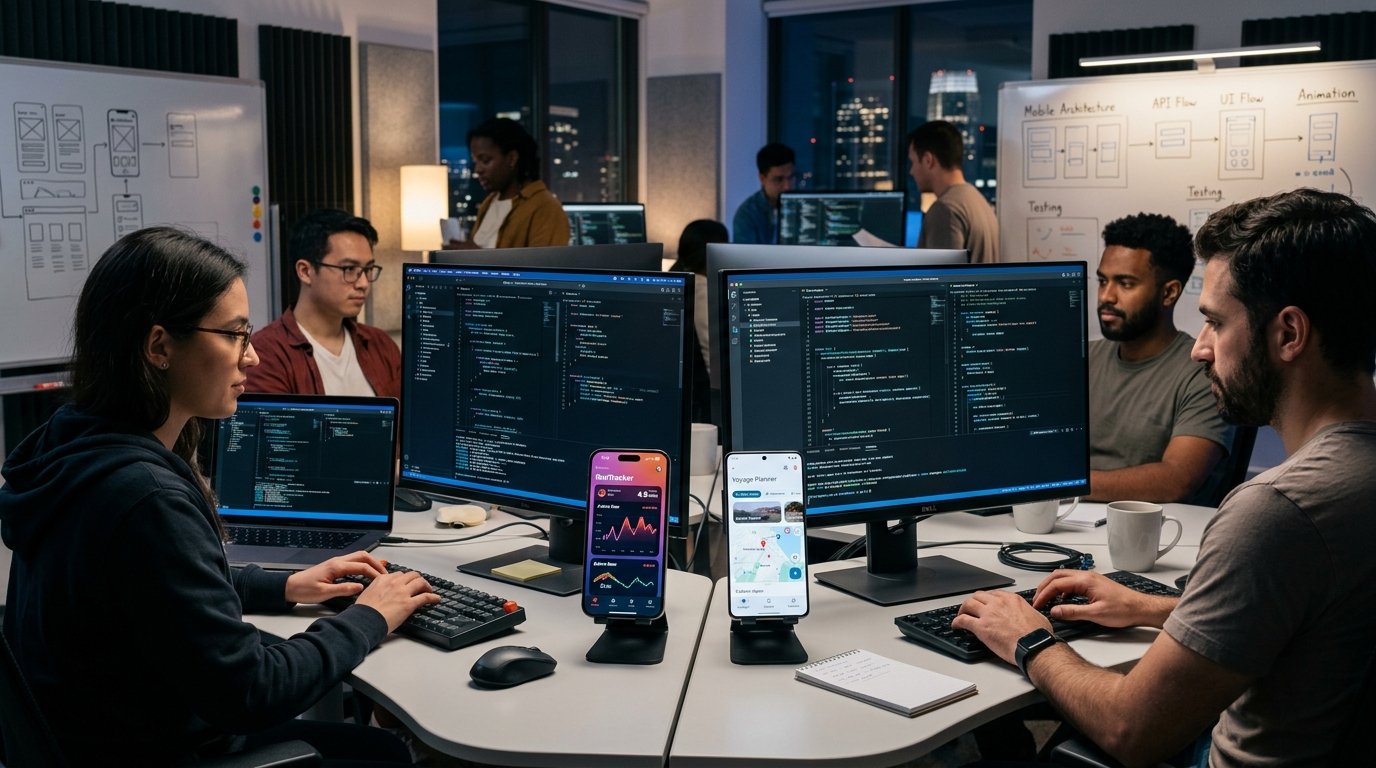
On-demand food and grocery delivery mobile platforms require three interconnected app modules working together in real time.
The 3 Essential Modules of an On-Demand Delivery System
- Customer Ordering App: Visual dish gallery, customized food options, live GPS order tracking, and UPI payment gateways.
- Delivery Driver App: Real-time order assignment notifications, turn-by-turn navigation maps, and earnings payout dashboard.
- Merchant & Admin Portal: Instant order acceptance, menu item availability toggles, and daily sales analytics.
Delivery Tech Tip: Integrating WebSocket infrastructure enables real-time sub-second GPS location tracking for delivery drivers on customer screens.
Key Features for High User Retention
- 1One-Tap Push Notifications: Instant order status updates ("Order Prepared", "Driver Nearby").
- 2Automated Discount Coupons & Referral Codes: Driving repeat customer orders.
Order custom Food & Grocery Delivery Mobile Apps from Ultra Design Lab today!
Related Print Product
Executive Visiting Cards
Sleek executive visiting cards featuring metallic foil highlights and velvet touch textures.
Need Customized Solutions for Your Business?
Contact our creative team to request a fast quotation for branding, web development, or print production.